Disclosure: As an Amazon Associate I earn from qualifying purchases. This doesn’t change the price you pay or our recommendations. Learn more.
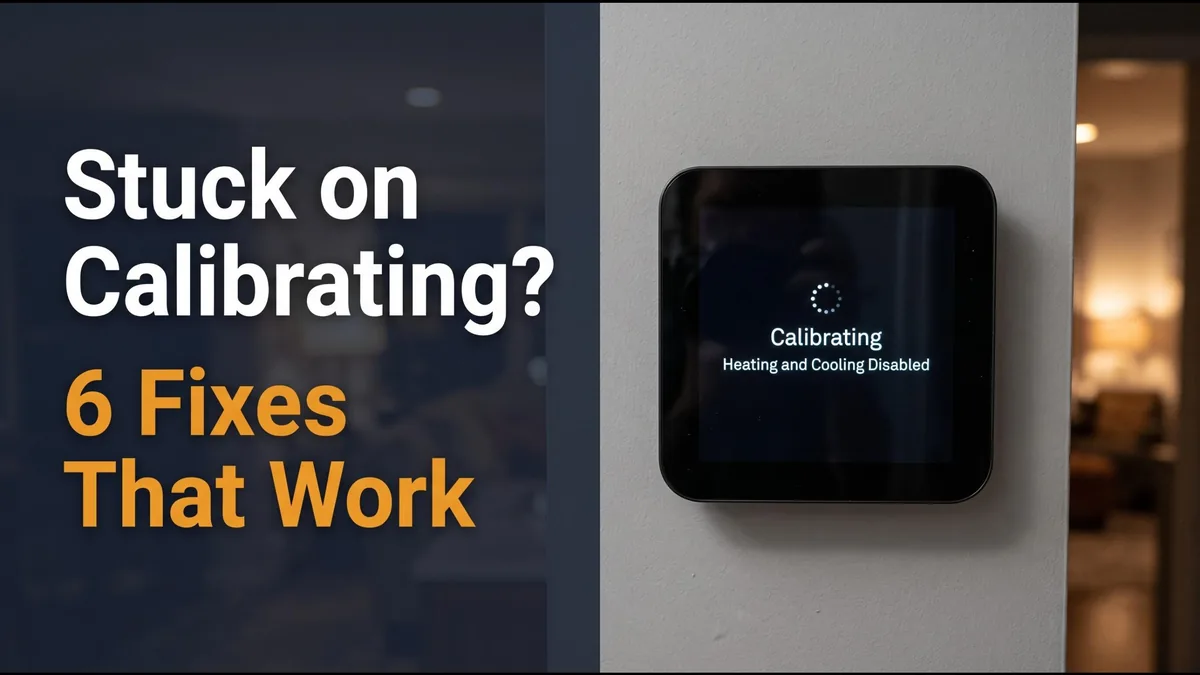
“Calibrating: Heating and Cooling Disabled” means your ecobee just restarted and is taking a fresh temperature reading before it lets your heat or AC run. Seeing it once after installation, a software update, or a power blink is normal, and it clears on its own within a few minutes.
If it keeps coming back, the thermostat is usually fine. ecobee itself explains that the thermostat has no internal power source: it runs on 24-volt power from your HVAC equipment. When that power drops, the ecobee reboots and calibrates again. In most homes, the furnace or AC is cutting that power because of a clogged air filter (in heating) or a clogged condensate drain (in cooling). Both are 10–30 minute DIY fixes.
What is your ecobee doing? Tap to jump to the fix.
At a Glance
- What it means: The ecobee restarted and is re-reading the room temperature. Heating and cooling stay off until it finishes.
- Most likely cause (repeat restarts): Your HVAC system is cutting the thermostat’s 24V power: a furnace overheating from a dirty filter, or a full AC drain pan tripping a float switch.
- DIY difficulty: Easy for filters, drains, and reseating the thermostat. Call a pro for transformer or line-voltage work.
- Time needed: 5–30 minutes for the common fixes.
- Typical cost: $0–$30 DIY · $120–$600 if a pro needs to add a C-wire or replace a transformer.
Pro Tip: Let the ecobee System Monitor Tell You Which System Is the Problem
Every time the ecobee loses power, it stops sending data, so restarts show up as gaps in its runtime history. According to ecobee’s support guide, a gap that comes right after a call for heat (or a higher indoor temperature when data resumes) points to the furnace. A gap right after a call for cooling points to the AC side. Open the System Monitor in the ecobee web portal before you start opening equipment.
In this guide
What “Calibrating: Heating and Cooling Disabled” Means
Each time an ecobee powers up, it waits for its sensor reading to settle before it will call for heat or cooling. That protects your equipment from starting on a bad first reading. Because of that, the message is the result of a restart, not the cause. The real question is why the thermostat restarted.
ecobee lists three reasons for repeated power loss:
- Interruptions to the 24VAC power supply during heating or cooling calls, often from loose or miswired R and C connections.
- HVAC safety devices, such as a furnace high-limit switch or an AC condensate float switch, cutting power to prevent damage.
- A transformer too small to power the thermostat, especially on boilers and zone valve systems with several thermostats.
Quick Diagnosis Chart: Why Is Your ecobee Calibrating?
| What You See | Most Likely Cause | DIY Difficulty | Typical U.S. Pro Cost |
|---|---|---|---|
| Calibrating once, then normal | Normal restart after installation, a software update, or a power blink | — | $0 |
| Restarts soon after the heat turns on | Furnace overheating and tripping its high-limit switch, usually a dirty filter or blocked vents | Easy | $100–$375 (limit switch) |
| Restarts soon after the AC turns on | Clogged condensate drain filling the pan and tripping a float switch | Easy | $75–$150/hr service call |
| Screen goes blank at random times | Thermostat loose on its backplate, or a loose R or C wire | Easy | Service call |
| Never finishes calibrating | Stuck restart, weak 24V supply, or a Power Extender Kit (PEK) wiring problem | Moderate | $120–$200 (add a C-wire) |
| Boiler or zone system restarts when zones call | Transformer too small for the ecobee (VA rating) | Pro | $200–$600 (transformer) |
How to Fix It: Step by Step
Safety First: Before You Touch Wires or Open the Furnace
- Power: Turn off the furnace or air handler at its service switch and circuit breaker before you remove the ecobee from the wall or open a furnace panel.
- Low-voltage wires: Don’t let thermostat wires touch each other with power on. A short can blow the small fuse on the furnace control board.
- Smell gas (rotten eggs)? Don’t touch any switch or the thermostat. Leave the home now and call 911 or your gas utility from outside.
- CO alarm sounding? Get everyone into fresh air and call 911.
Step 1: Wait It Out After an Install, Update, or Power Blink
- Check whether other clocks or electronics in your home reset. That confirms a brief outage.
- Leave the ecobee alone. Pulling it off the wall or flipping the breaker restarts the countdown.
- If the home screen returns and your system runs normally afterward, you’re done.
Step 2: Restarts When the Heat Runs? Replace the Filter
ecobee explains that when a furnace overheats, its built-in safety equipment turns off heating or the power. The blower may keep running to cool the furnace, and the furnace and ecobee power back on once it cools. That cycle shows up as repeated calibrating.
- Turn off the furnace, then pull out the air filter. If it’s gray or you can’t see light through it, replace it with the same size (printed on the filter frame).
- Open supply registers and clear furniture and rugs away from return grilles.
- Look through the furnace door window for a blinking status light. An open limit switch usually shows its own code; on a Goodman furnace, for example, it’s 4 flashes.
- In very cold weather, lower the heat setpoint a few degrees and avoid big setpoint jumps, as ecobee recommends.
- If a new filter doesn’t stop the restarts, the furnace may need professional cleaning or a blower check.
Step 3: Restarts When the AC Runs? Clear the Condensate Drain
Your AC pulls water out of the air, and that water drains away through a small pipe. When the line clogs, water backs up into the drain pan and a float switch or condensate pump cuts power to the system, including your ecobee.
- Turn the system off at the thermostat and the breaker.
- Check the drain pan under the indoor unit (and the secondary pan, if you have one) for standing water.
- Outside, find where the white PVC drain pipe exits the house. Hold a wet/dry vacuum over the opening for 1–2 minutes to pull out the clog.
- Pour about 1 cup of distilled white vinegar into the indoor drain access port to break up algae, a method Angi recommends.
- Once the water drains and the float switch drops, power returns and the ecobee should calibrate one last time.
Step 4: Screen Going Blank at Random? Reseat the Thermostat
- Turn off the HVAC breaker.
- Pull the ecobee straight off its backplate with even pressure. Don’t twist it.
- Check that each wire is pushed fully into its terminal, with no bare copper touching a neighbor. Pay special attention to the Rc (or R) and C wires.
- Press the ecobee straight back on until it sits flush, then turn the breaker on.
Step 5: Stuck for Over an Hour? Do a Full Power Cycle
- Pull the ecobee off the wall.
- Turn the HVAC breaker off and wait 2 minutes.
- Reattach the ecobee, turn the breaker back on, and give it up to 20 minutes.
- If it still won’t finish, contact ecobee support. They can see your device’s logs.
Step 6: Check the 24V Power Supply (C-Wire, PEK, or Transformer)
- If you installed a Power Extender Kit (PEK), turn the power off, open the furnace panel, and confirm every PEK wire is tight and matches the labels on the PEK and the control board.
- Make sure the furnace blower door is fully closed. Most furnaces have a door safety switch that cuts power if the panel isn’t seated.
- If you’re comfortable with a multimeter, measure AC voltage across the Rc and C terminals at the backplate with power on. A healthy system reads about 24 volts AC (often 24–28V). A reading that sags when the heat or AC starts points to a weak transformer or a bad connection.
- Boilers and zone valve systems: ecobee notes that many, especially older ones, can’t power a smart thermostat. It says most boiler systems, and zone systems with more than 3 zones, need a separate 24V 40VA transformer. Installing one involves 120V wiring, so have a pro do it.
Parts & Tools You May Need
Parts & Tools That Fix the Usual Causes
Match the filter size printed on your old filter’s frame, and check your system’s manual before buying any electrical part.
Pleated MERV 8 Air Filters — for restarts when the heat or AC runs
Fits: any forced-air furnace or air handler · Buy the exact size on your current filter (for example, 16x25x1)
AC Condensate Pan Tablets — to help keep the drain from clogging again
Fits: central AC and heat pump drain pans · Place in the primary drain pan
Digital Multimeter (AC Voltage) — to confirm steady 24V at the thermostat
Fits: any thermostat · Use the AC volts setting
24VAC 40VA HVAC Transformer — for boiler or zone systems that can’t power an ecobee
Fits: systems needing the separate 24V 40VA transformer ecobee recommends · Professional installation
When to Stop and Call a Pro
Stop DIY and Call a Licensed HVAC Technician If…
- The furnace keeps overheating after a new filter and open vents. The blower or limit switch may be failing.
- The fuse on the furnace control board blows when power is restored. That points to a short in the thermostat wiring.
- Voltage at the thermostat sags well below 24V, or you need a new transformer or C-wire run.
- Water keeps filling the drain pan after you clear the line, or a condensate pump isn’t running.
- You smell burning or see scorched wiring.
Seeing a different message? Browse all of our thermostat error guides.
Frequently Asked Questions
How long does ecobee calibration take?
Normally just a few minutes after a restart. Give it up to 20 minutes after an installation, software update, or power outage before troubleshooting. If it calibrates for much longer, or keeps coming back, the thermostat is either stuck or losing power repeatedly. Work through the steps in this guide.
Why does my ecobee keep saying “Calibrating”?
Because it keeps restarting. ecobee has no internal battery and runs on 24V power from your HVAC system, so each power drop forces a restart and a new calibration. In winter, a clogged filter overheating the furnace is the usual cause. In summer, it’s often a clogged AC drain tripping a float switch.
What does “Calibrating: Heat/Cool Disabled” mean?
It means the thermostat just powered up and is establishing an accurate indoor temperature reading. Until it finishes, it won’t turn on your heating or cooling. It’s a normal, temporary state, not a fault code by itself.
Can I bypass ecobee calibrating?
No. There’s no setting that skips it, and you shouldn’t try to jumper the thermostat wires to force the system on. The fix is to wait for calibration to finish or stop whatever is cutting power to the thermostat.
Why does my ecobee say calibrating after a power outage?
Any outage, even a one-second blink, shuts the ecobee off completely. When power returns it restarts, calibrates, and then resumes your schedule. If calibration finishes and the system runs normally, nothing is wrong.
Is it my ecobee or my furnace?
Usually the furnace or AC. A thermostat that restarts right when the heat or AC starts is being cut off by the equipment. Check the ecobee System Monitor for data gaps after heating or cooling calls, then check the filter and the condensate drain.
Sources & Verification
- ecobee Support: Why is my ecobee thermostat rebooting? (power loss causes, System Monitor, furnace overheating, condensate drains, boiler and zone transformers).
- Angi: How to clean AC drain lines.
- Repair cost ranges: Trane, HomeGuide, and Angi (C-wire installation, HVAC repair costs).
Written and fact-checked by the HomeUnitCodes Editorial Team. Last checked: November 2026.